What Is a Brand Kit for AI Search And Why It Comes First
Before your AI agents write a single word, they need to know who they're writing for. Here's what a Brand Kit and Knowledge Base do and how to set both up.
On this page
On this page
Most marketing teams that start using AI tools make the same mistake in the first week.
They open the platform, connect their website, and immediately start running queries or generating content. The outputs come back generic. The brand voice is off. The topics are too broad. The competitor comparisons reference companies that have nothing to do with their actual competitive landscape. The content the agents produce could have been written for any company in any industry.
They blame the AI. The problem is not the AI.
The problem is that the AI was never told who it was working for.
This is what a Brand Kit solves. And it is the reason Lantern requires teams to set one up before any agent runs a single workflow.
What a Brand Kit Is
A Brand Kit in Lantern is a centralized profile that tells every agent, every workflow, and every piece of content exactly who your brand is, what it stands for, who it is talking to, and what it is trying to achieve.
It is not a style guide. It is not a brand guidelines PDF. It is a structured, machine-readable briefing document that your AI agents consult before every action they take on your behalf.
When Lantern's Monitor Agent wakes up after a visibility scan and decides what content to research, it reads your Brand Kit. When the Draft Agent writes an article, it writes according to your Brand Kit. When the Optimization Agent reviews a piece of content before publication, it checks the output against your Brand Kit. Every agent in Lantern is working from the same brief your brief on every run.
What a Brand Kit Contains
A Lantern Brand Kit has five components. Each one serves a specific function in guiding agent behavior.
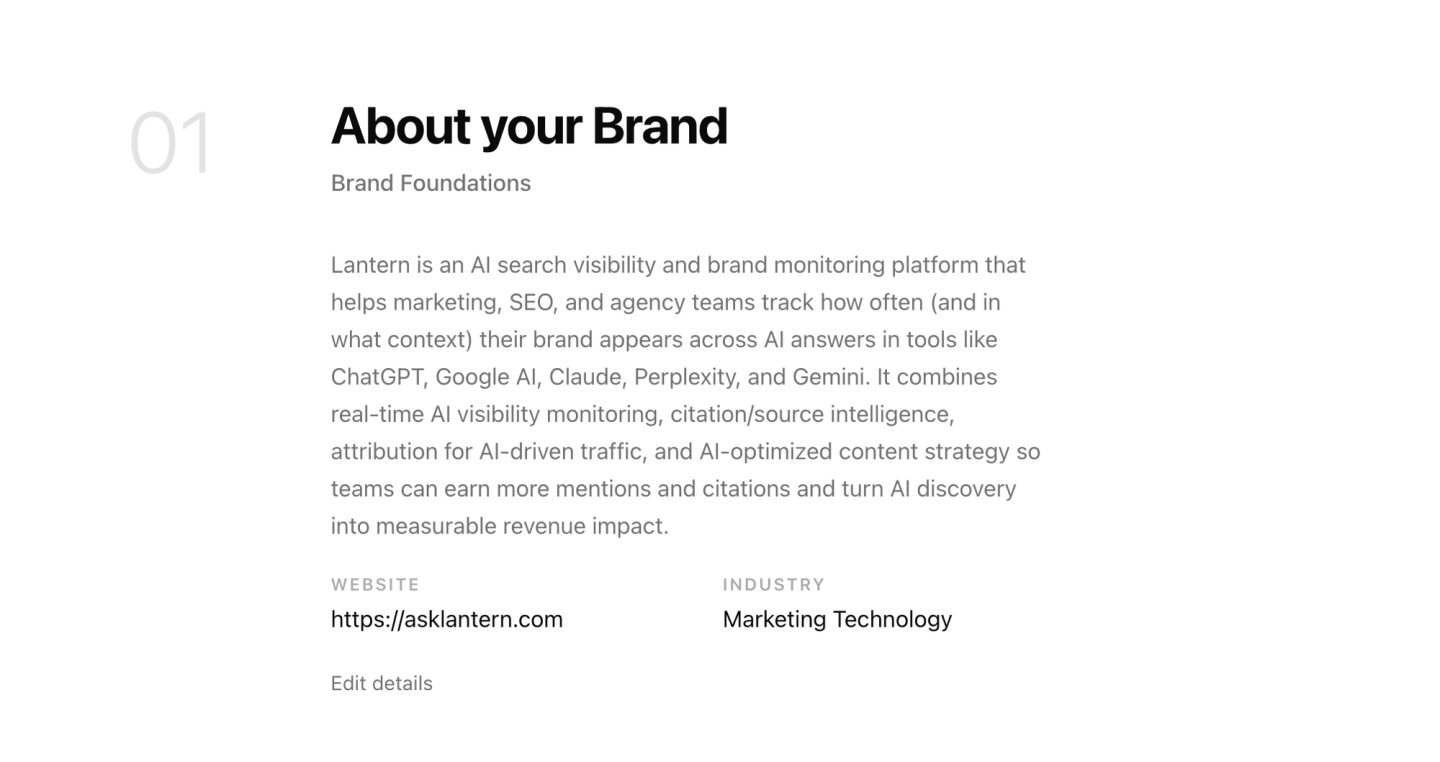
Brand identity. Your brand name, website URL, industry, and a description of what your company does. This is the foundation. It tells agents the most basic facts about who they are working for and what category your brand competes in. Without this, agents cannot accurately represent your brand in research, content, or monitoring workflows.
Brand voice. The tone, persona, and communication style your brand uses. This includes the vocabulary your brand favors, the words and phrases it avoids, the formality level of your writing, the type of reader you are writing for, and the unique value proposition that should inform every piece of content. The brand voice settings are what make the difference between agent-generated content that reads like your team wrote it and content that reads like it came from a generic AI.
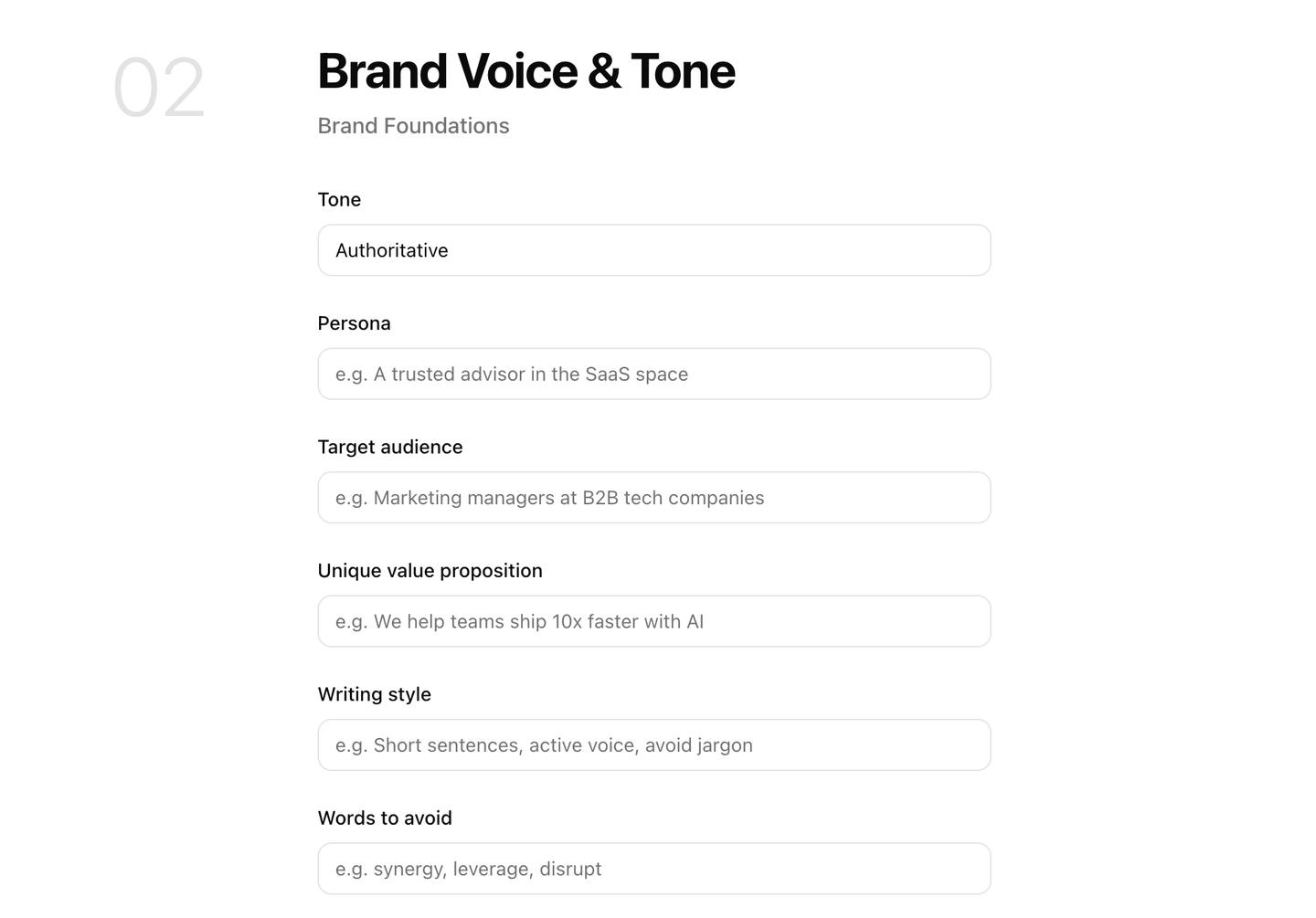
When configuring brand voice, specificity matters more than length. "Professional but approachable, direct rather than formal, written for marketing managers at growth-stage B2B SaaS companies who already understand SEO and want practical guidance on AI search" is more useful to an agent than "professional and clear."
Content topics. The subject areas your brand wants to own in AI search. These are the domains where you want to be cited, the questions your buyers are asking AI engines, and the categories where appearing in AI-generated answers has direct commercial value for your business. Content topics guide both the monitoring prompts Lantern tracks and the content workflows agents run. A well-defined topic list means agents are always producing content that is relevant to your actual business goals rather than tangentially related content that fills a calendar without moving the needle.
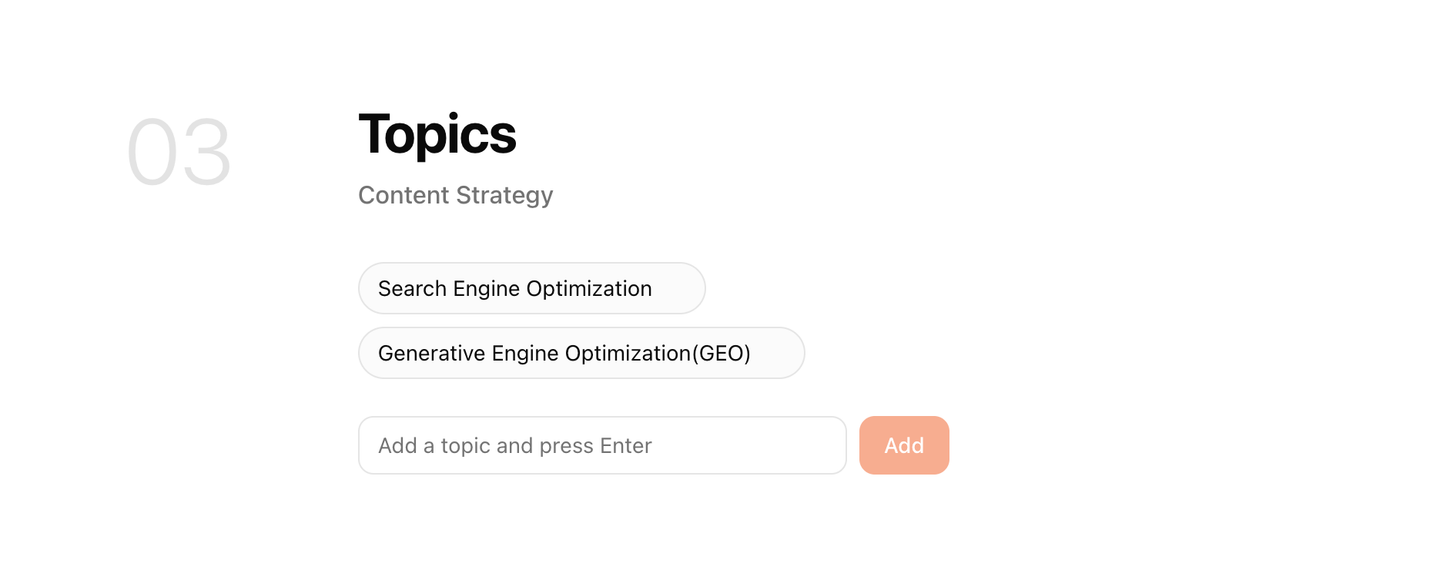
When Lantern sets up a new Brand Kit, it reads your website and auto-generates a starter set of content topics based on what your site covers. This gives you a working starting point in minutes. The auto-generated topics should be reviewed and refined they are a first draft, not a final configuration.
Competitors. The specific brands your buyers evaluate alongside you. Competitor configuration in Lantern does two things. First, it tells the monitoring system whose AI search presence to benchmark your visibility against. Second, it tells content agents which competitive comparisons to research, which positioning claims to address, and which gaps in the competitive landscape your content should exploit.
The competitor list should reflect your actual competitive reality, not the companies you wish you were competing with. A well-funded but irrelevant enterprise competitor is less useful in your Brand Kit than the three mid-market tools your buyers actually compare you to during their evaluation process.
Tracking prompts. The specific queries Lantern monitors across ChatGPT, Perplexity, Gemini, and Claude on your behalf. These are the questions your buyers direct at AI engines the queries where appearing in the answer has direct value and not appearing is a direct cost. Tracking prompts are the operational heart of your AI search monitoring program. The quality of your prompt library determines the quality of the intelligence Lantern generates about your AI search position.
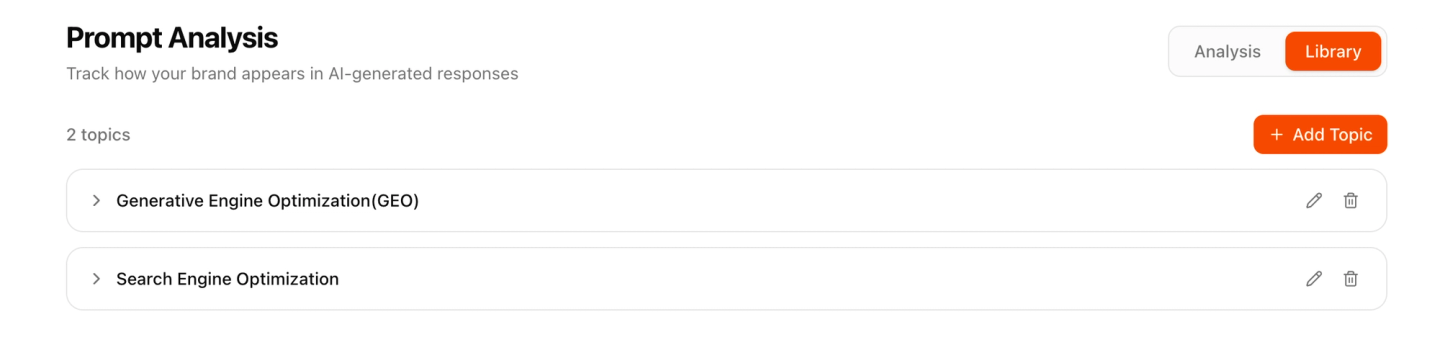
Lantern auto-generates a starter set of tracking prompts from your Brand Kit configuration. As with content topics, these should be reviewed, extended, and refined based on what you know about how your buyers actually research your category.
Why the Brand Kit Comes Before Everything Else
The sequencing matters. Setting up a Brand Kit before running any agent workflow is not a formality. It is the difference between agents that produce outputs your team can use and agents that produce outputs your team has to rewrite.
Consider what happens when an agent writes content without a Brand Kit. It has access to general knowledge about your industry. It can research the topic it has been given. It can produce content that is technically accurate and structurally sound. But it has no way to know that your brand never uses the word "leverage," that your target reader is a VP of Marketing rather than a developer, that your unique value proposition is speed of setup rather than depth of features, or that your most important competitive differentiator is the one thing every piece of your content should reinforce.
All of that context lives in the Brand Kit. Without it, agents are well-equipped researchers producing content for a brand they know nothing about.
With it, they are producing content that reflects exactly how your company communicates, to exactly the audience you are trying to reach, on exactly the topics where appearing in AI-generated answers has commercial value.
Knowledge Bases: The Brand Kit's Memory Layer
A Brand Kit tells agents who your brand is. A Knowledge Base tells agents what your brand has already said.
This distinction is critical and frequently underestimated.
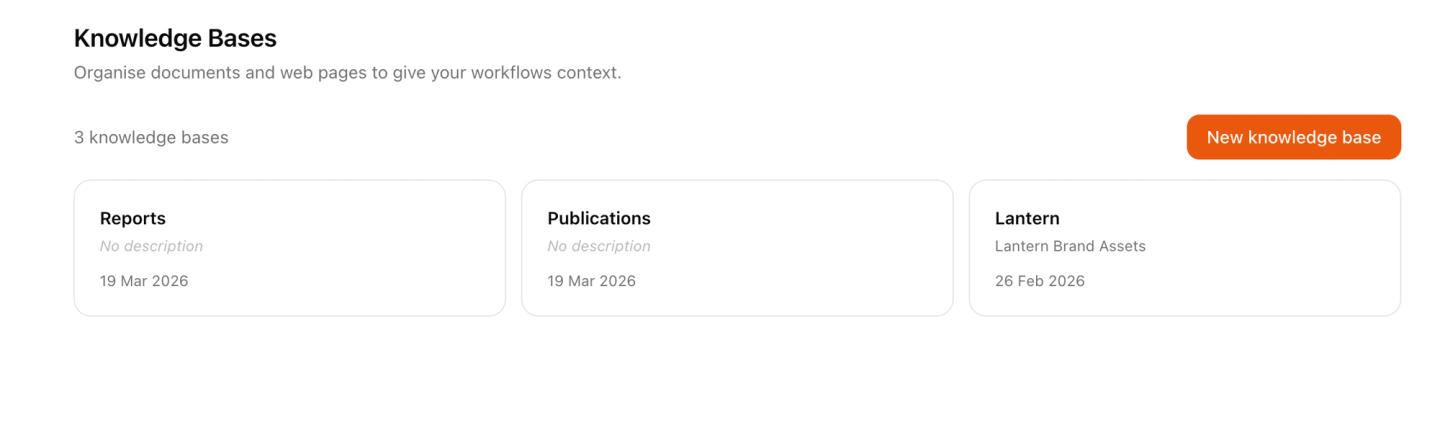
A Knowledge Base in Lantern is a library of your existing content published blog posts, case studies, product documentation, whitepapers, landing pages, recorded webinars, internal guides that agents search automatically during every content creation workflow. It is the institutional memory that prevents agents from producing content your team has already produced.
Without a Knowledge Base, agents are operating with amnesia. They know your brand voice and your content topics, but they have no way to know that you published a comprehensive guide on this exact subject six months ago, that you have three case studies directly relevant to the piece they are about to write, or that the internal linking opportunity most valuable to your SEO program is the one they are about to miss.
With a Knowledge Base, every content workflow begins with a search of everything your brand has already published. The agent finds relevant existing content, incorporates it as context, identifies natural internal linking opportunities, and avoids duplicating work your team has already done. The output is not just better it is connected to the existing body of content your brand has built, reinforcing topical authority rather than fragmenting it.
What Goes in a Knowledge Base
A Lantern Knowledge Base can contain two types of content: uploaded files and web pages.
Uploaded files cover any content that exists in document form PDFs, Word documents, slide decks, transcripts, research reports. Anything your team has produced that an agent should be aware of when creating new content can be uploaded directly. This includes content that has never been published publicly internal research, sales enablement materials, competitive analysis documents, customer interview transcripts that provides context agents should draw from without reproducing verbatim.
Web pages are pulled directly from URLs you specify. Rather than downloading and re-uploading your published content, you can point Lantern at specific pages or your entire blog and the Knowledge Base indexes that content automatically. When agents search the Knowledge Base during a workflow, they are searching the most current version of whatever is at that URL.
The practical implication of URL-based indexing is that your Knowledge Base stays current without manual maintenance. When you update a published page, the Knowledge Base reflects the updated version the next time an agent searches it. When you publish a new piece of content, adding its URL to the Knowledge Base takes thirty seconds.
How Agents Use the Knowledge Base
The Knowledge Base integration is built into Lantern's content creation workflow at the research stage.
When the Research Agent begins working on a new content piece, it runs a search of your Knowledge Base alongside its external research. It is looking for three things: existing content on the same topic that the new piece should not duplicate, related content that should be referenced or linked to in the new piece, and institutional knowledge data, case studies, customer quotes, proprietary findings that should inform the new piece but is not available through external research.
The outputs of the Knowledge Base search feed directly into the content brief. The Draft Agent sees which existing pieces are related, which should be linked to, and which internal data points are relevant. The result is content that is not just well-written but well-connected integrated into your existing content ecosystem rather than floating in isolation.
For teams that have been publishing content for years, the Knowledge Base integration is one of the highest-leverage configurations available. A large archive of existing content is an asset most teams underutilize because nobody has time to search it before writing something new. The Knowledge Base search agent does that search automatically, on every workflow, in seconds.
Setting Up Your Brand Kit and Knowledge Base
Lantern's onboarding is designed to get both configured quickly.
For the Brand Kit, Lantern reads your website when you enter your URL and auto-generates starter versions of your content topics, competitor list, and tracking prompts. For most teams, this initial auto-generation gets you to 70% of a good configuration. The remaining 30% refining the brand voice, correcting the competitor list, extending the prompt library with queries the auto-generation missed takes between 20 and 45 minutes depending on how much detail you want to invest upfront.
The time investment in Brand Kit configuration pays dividends on every agent run that follows. A team that spends 45 minutes configuring a precise Brand Kit will get better outputs from the first agent workflow than a team that spent 5 minutes on a generic one will get from the hundredth.
For the Knowledge Base, start with your ten most important existing content pieces your best-performing blog posts, your most comprehensive guides, your highest-value case studies. Add their URLs to the Knowledge Base in the first session. This gives agents an immediate pool of institutional knowledge to draw from without requiring you to index your entire content archive before running your first workflow.
From there, add content as it is published. A thirty-second habit of adding new URLs to the Knowledge Base after publication compounds significantly over time. Six months from now, your agents will be searching a comprehensive library of everything your brand has produced and every piece of content they create will benefit from that context.
Key Takeaways
- A Brand Kit is a structured briefing document that tells every Lantern agent who your brand is, what it sounds like, who it is writing for, and what topics it needs to own it must be configured before any agent workflow runs
- A Brand Kit contains five components: brand identity, brand voice, content topics, competitors, and tracking prompts each one directly shapes agent output quality
- Lantern auto-generates a starter Brand Kit from your website, providing a working starting point in minutes this should be reviewed and refined before running production workflows
- A Knowledge Base is the institutional memory layer that prevents agents from duplicating content your team has already produced and ensures every new piece connects to your existing content ecosystem
- Knowledge Bases can contain uploaded files and indexed web pages URL-based indexing keeps the library current automatically as you publish new content
- Agents search the Knowledge Base at the research stage of every content workflow, identifying existing related content, internal linking opportunities, and proprietary data to incorporate
- The time invested in configuring a precise Brand Kit and a comprehensive Knowledge Base compounds on every agent run that follows it is the highest-leverage setup work available in Lantern
Set up your Brand Kit and Knowledge Base in under an half-hour at asklantern.com